Bundle
dsh-plugin-smooth-stream
DeepSeek Harness plugin: paragraph-batched streaming reveals with 8 designed animations, smooth scroll-follow and a settings panel.
- Source
- SpookySandwich
- stars
- 9 stars
- License
- MIT
- Updated
- Updated 14 days ago
Readme
# dsh-plugin-smooth-stream 简体中文 | [English](README.en.md) [](https://www.npmjs.com/package/dsh-plugin-smooth-stream) [](LICENSE) [](https://github.com/deepseek-ai/deepseek-harness) [](https://deepseek1024.com/plugins/SpookySandwich/dsh-smooth-stream) [](https://github.com/SpookySandwich/dsh-plugin-smooth-stream/stargazers) 把逐字抖动的流式输出,换成按段落分批、淡入呈现的阅读体验。流式期间平滑跟随滚动,思考块显示实时单行摘要。 **左:DSH 原生渲染 · 右:Smooth Stream** —— 同一个问题,同时开始: 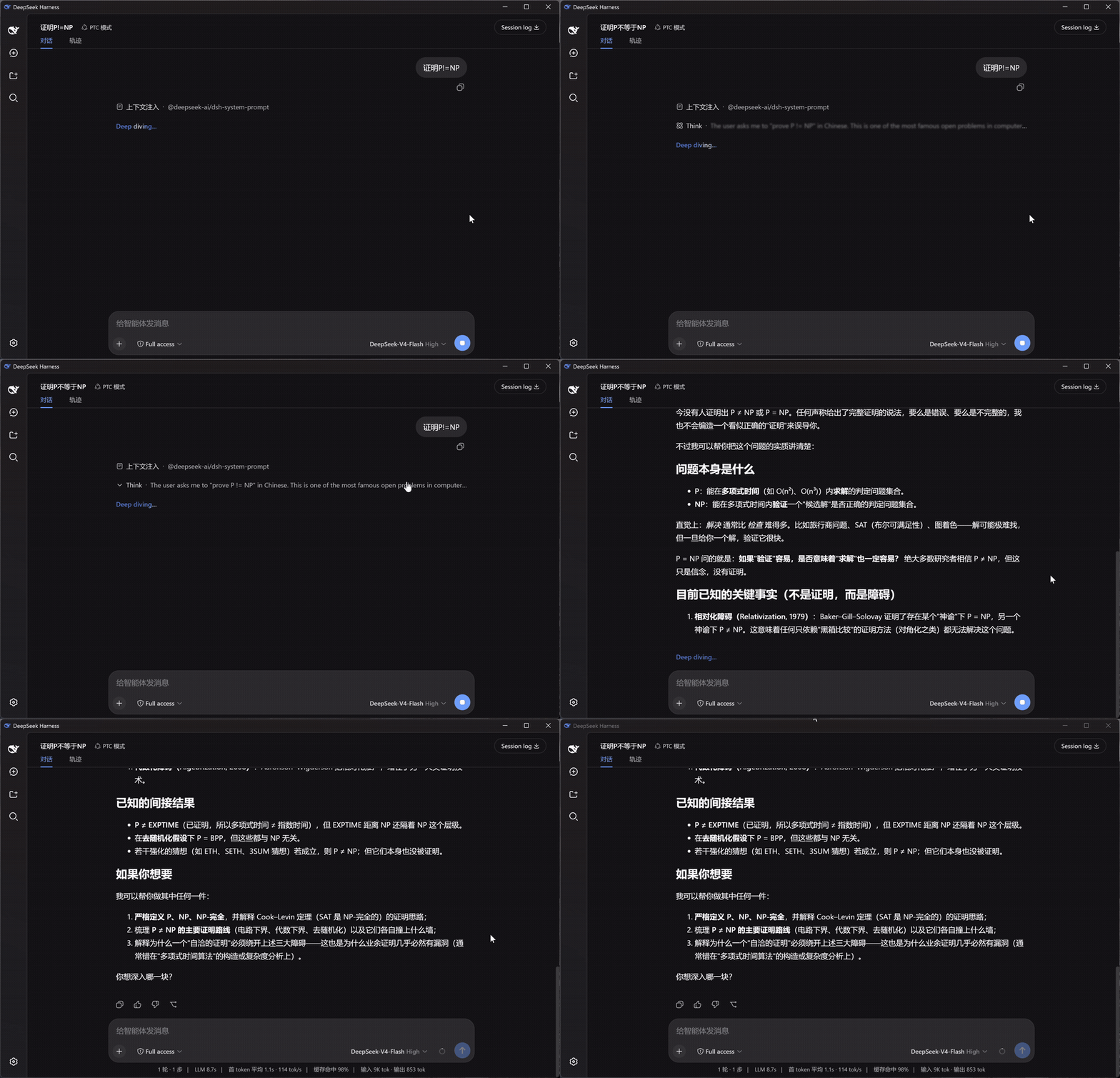 ## 安装 ```bash dsh plugin --profile web add dsh-plugin-smooth-stream ``` 打开任意会话即可生效。设置入口:设置面板 → **Smooth Stream**。 ## 它改变了什么 - **按段落呈现** — 回复不再一个字一个字地蹦,而是攒满一段,整段淡入。断句时自动避开没写完的代码块和表格,Markdown 不会渲染到一半。 - **平滑滚动** — 流式输出时页面匀速滑向底部,长回复也不会猛地一跳;往上滚就交还给你,滚回底部自动继续跟随。 - **思考摘要** — 模型思考时,折叠行里实时滚动最新一句,两端渐隐过渡;回合结束时下划线缓缓收起,示意"想完了"。 - **Markdown 与公式** — 正文走 DSH 自带的渲染器:代码高亮、复制按钮、表格、KaTeX 公式都和原生一模一样。 ## 设置 设置面板中的 **Smooth Stream** 分区,改动即时生效并持久保存: | 设置项 | 默认 | 说明 | |---|---|---| | 启用 Smooth Stream | 开 | 关闭后即时恢复 DSH 内置渲染,方便对比 | | 入场动画 | 淡入 | 淡入 / 上升 / 浮现 / 拂过 / 聚焦 / 映亮 / 晕开 / 洇染 | | 动画时长 | 520 ms | 入场动画时长(120–1200 ms) | | 分批大小 | 500 字符 | 攒多少文字呈现一批;越小越"实时",越大越安静 | | 平滑滚动跟随 | 开 | 流式期间的平滑滚动跟随 | 带实时预览,可一键恢复默认。设置界面跟随 DSH 的显示语言。 ## 动画风格 八种入场动画,默认节奏各自按风格调校;下面全部用同一段回复录制,便于直接对比。 | 淡入 Fade | 上升 Rise | |---|---| | 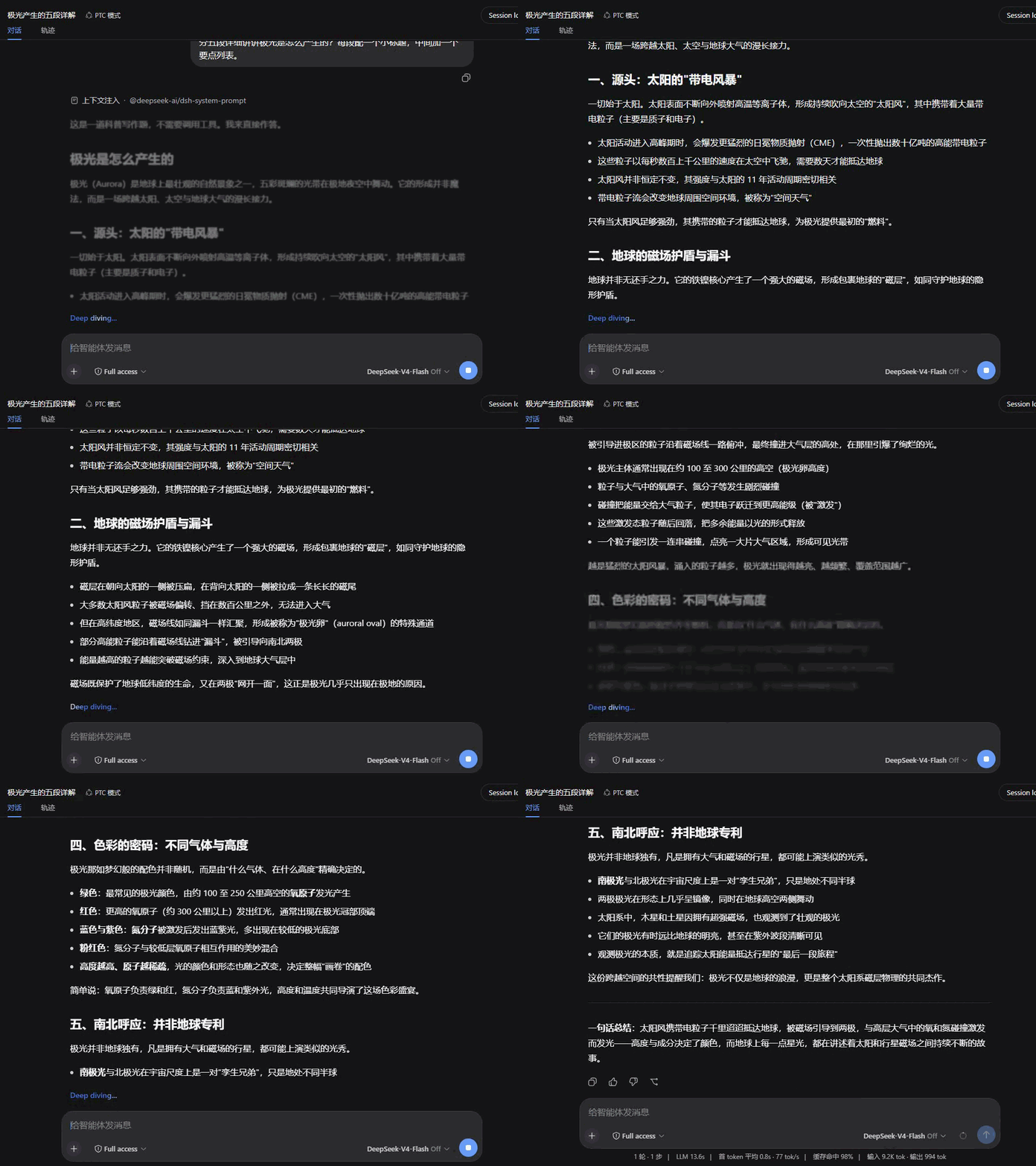 | 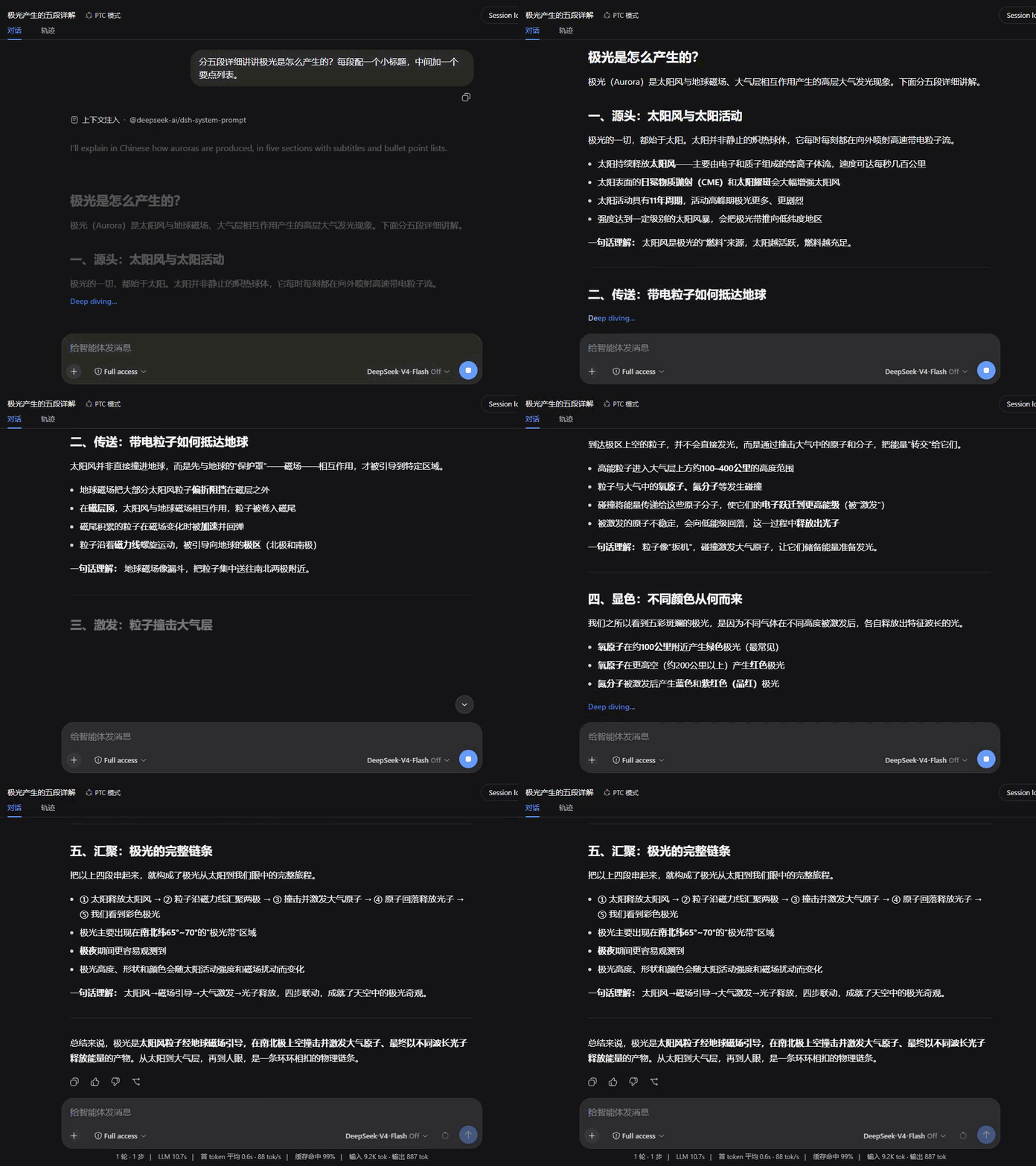 | | **浮现 Dissolve** | **拂过 Wipe** | | 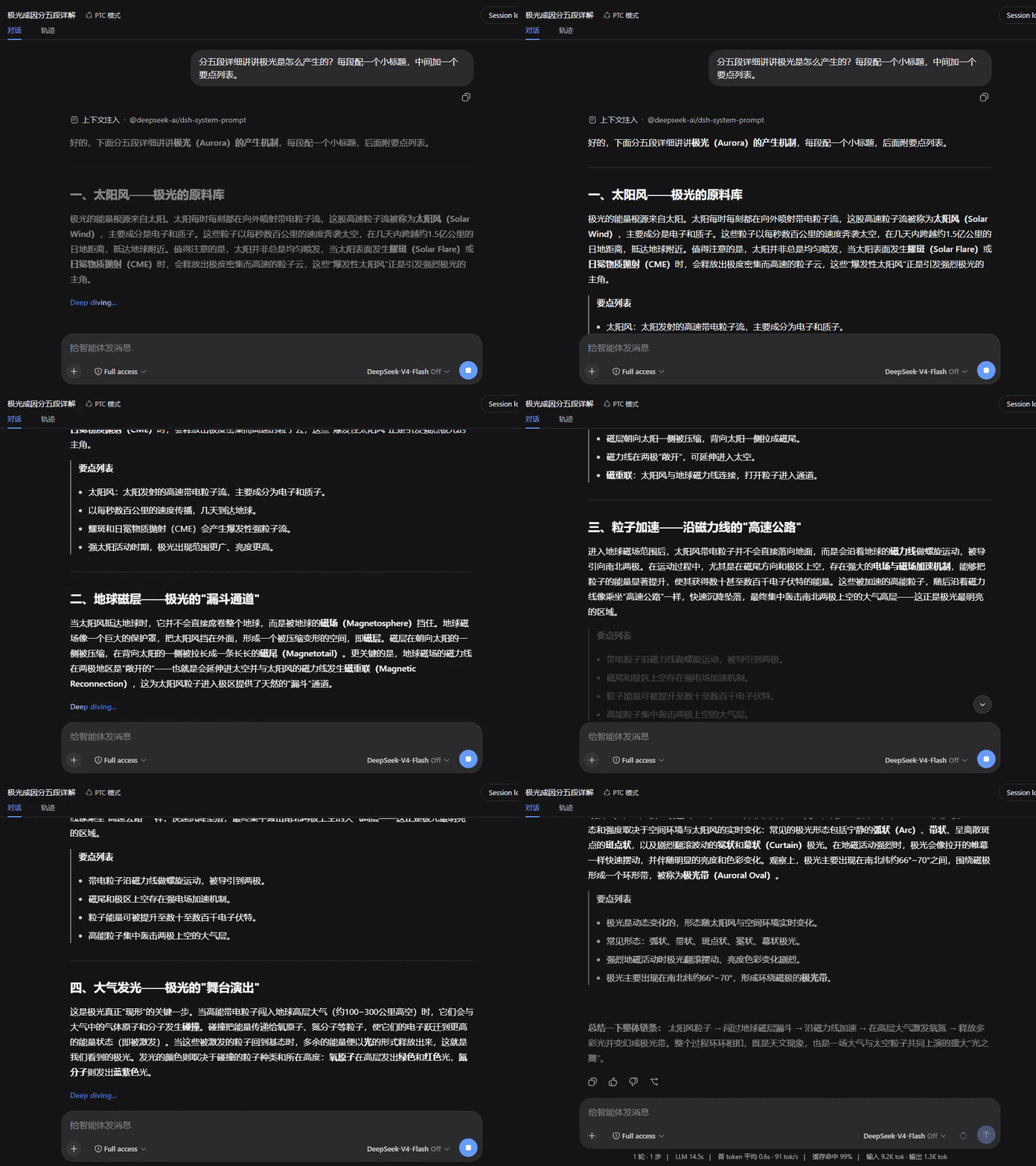 | 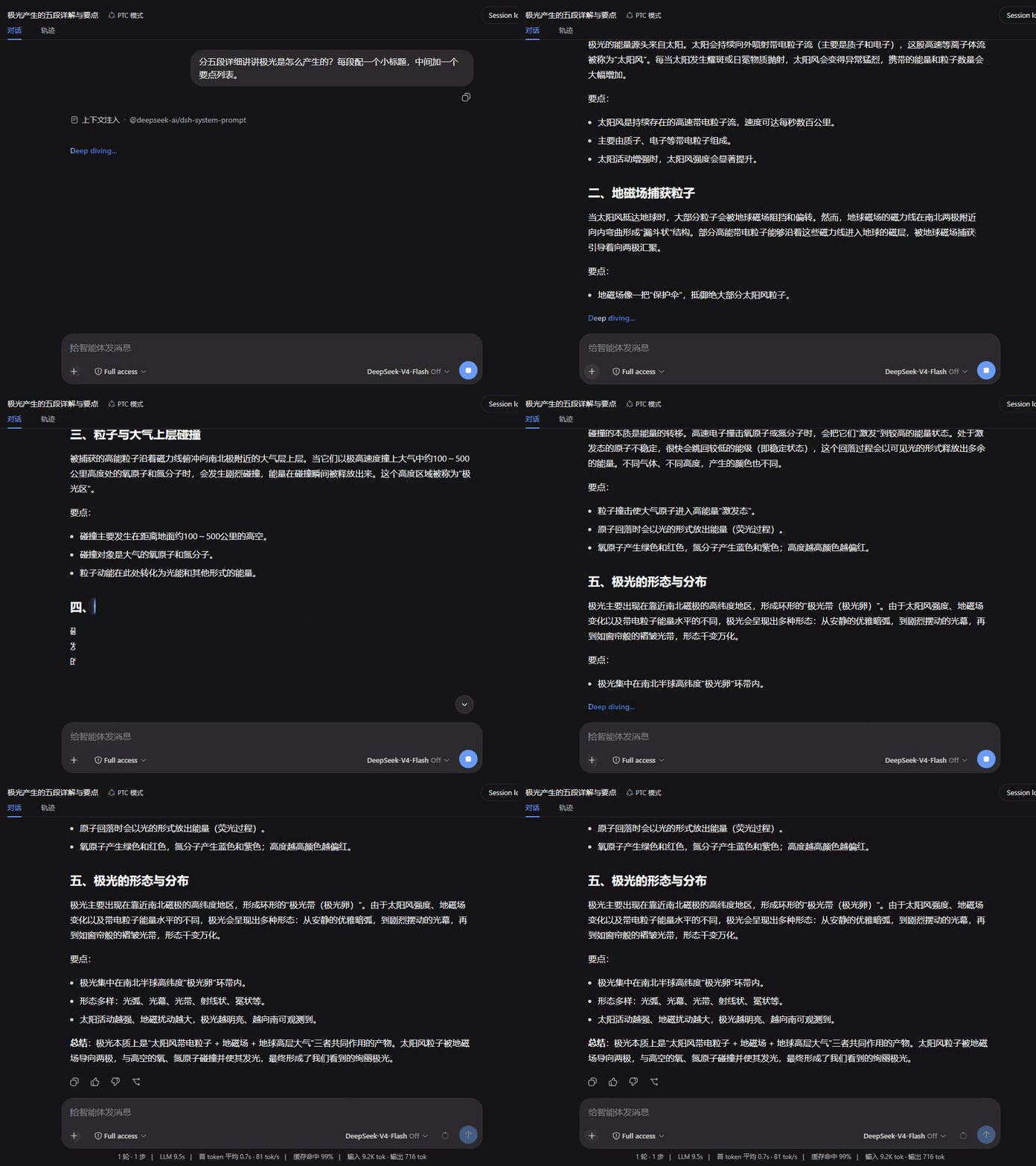 | | **聚焦 Focus** | **映亮 Glow** | | 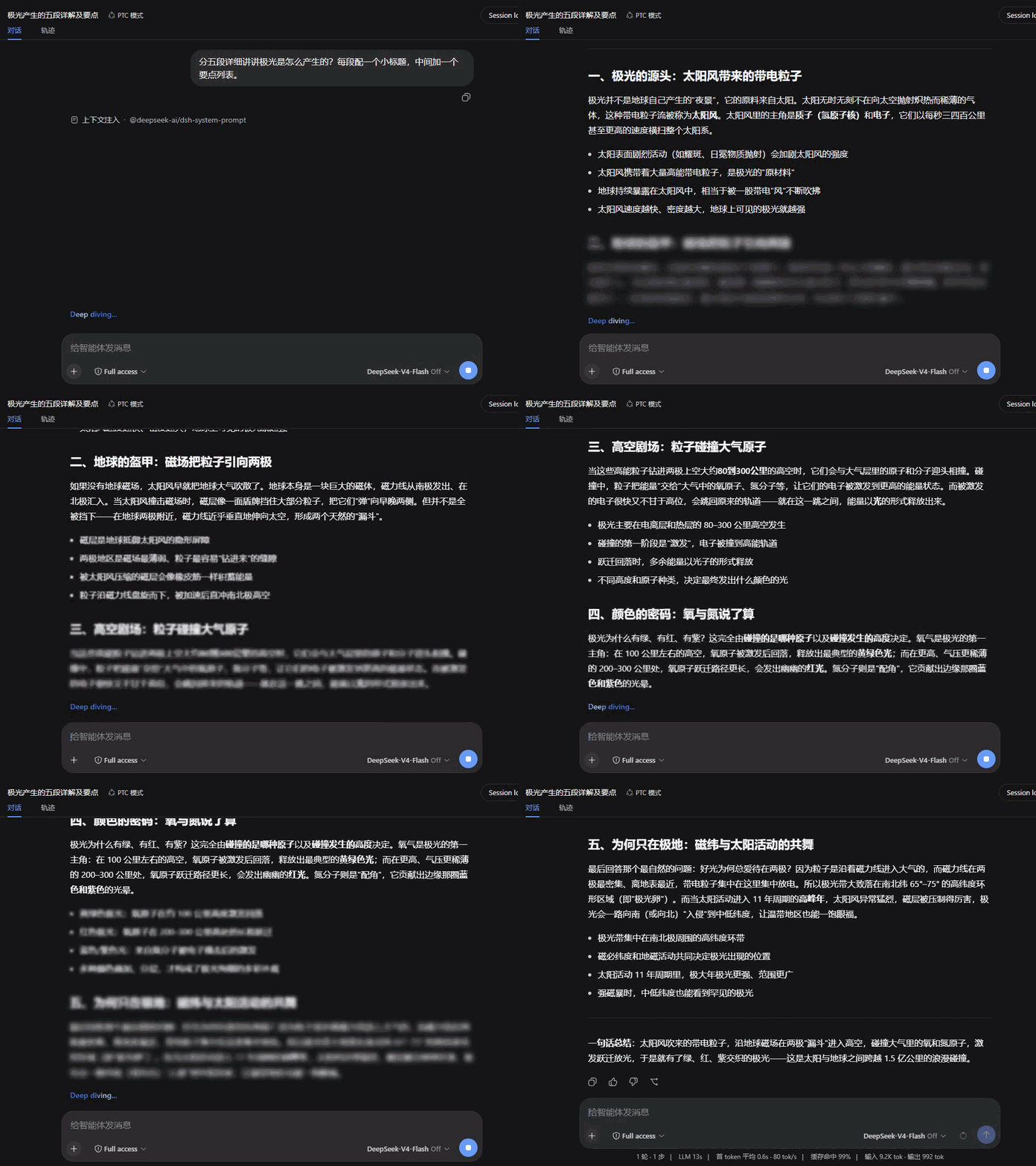 | 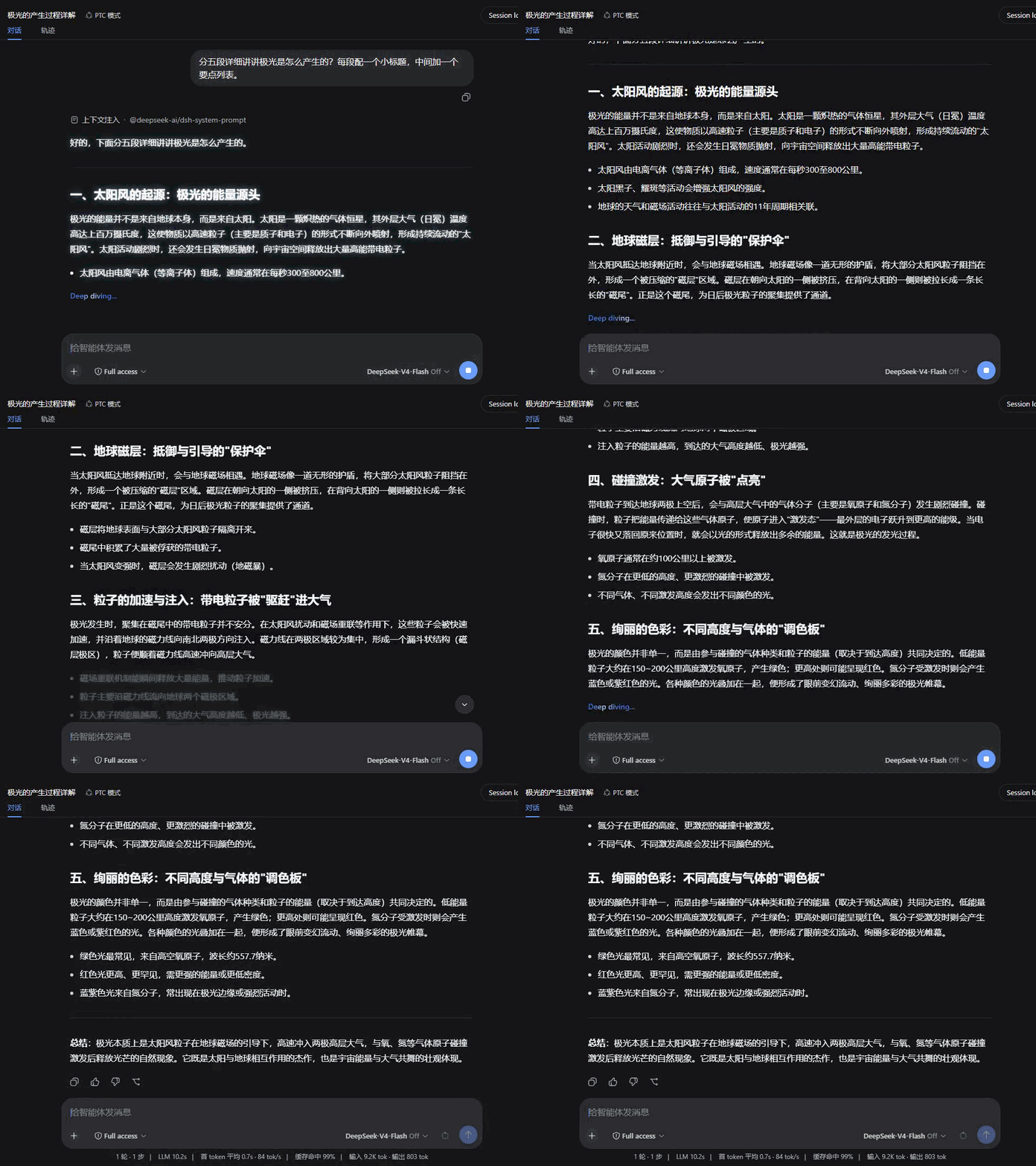 | | **晕开 Iris** | **洇染 Soak** | | 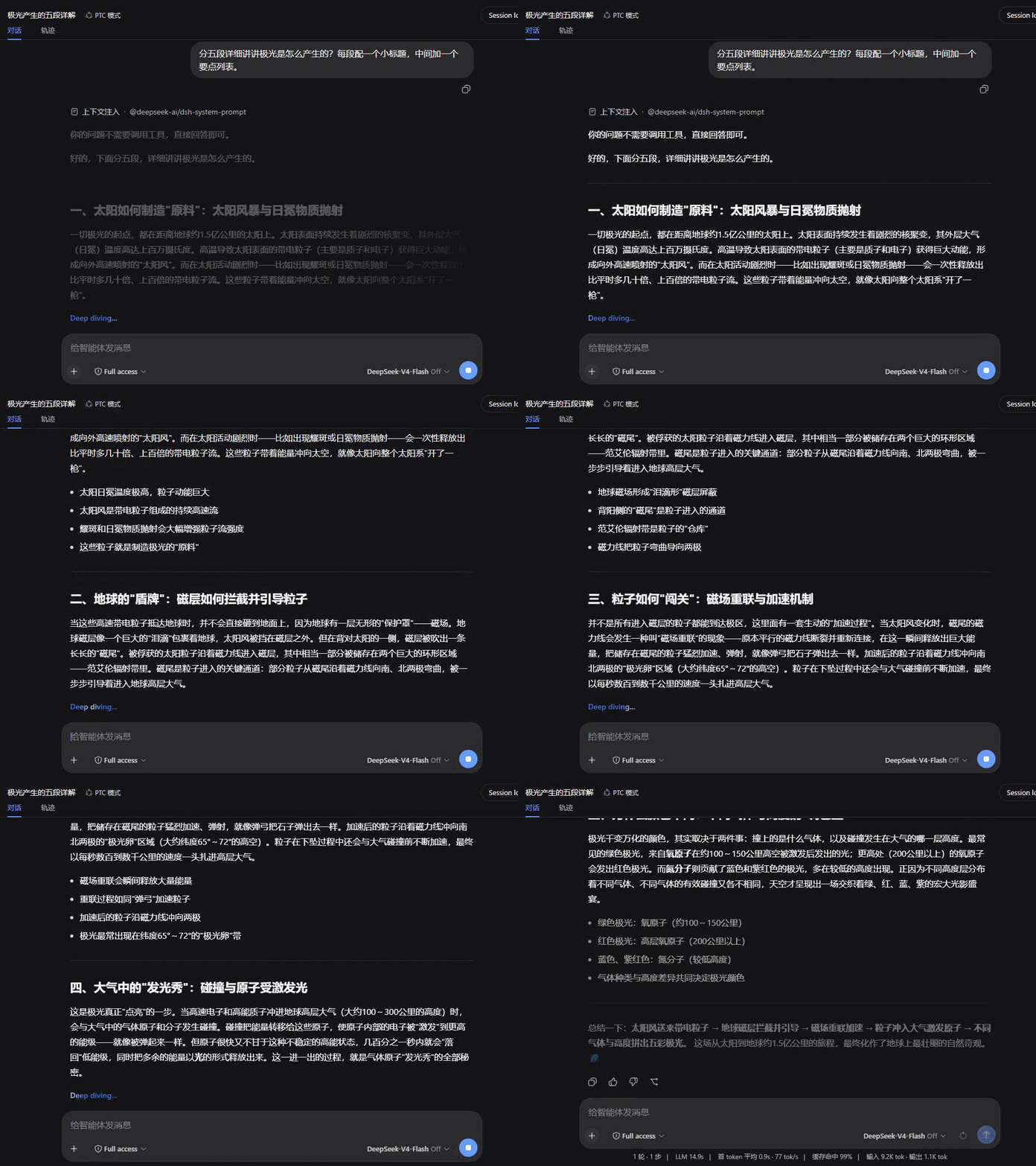 | 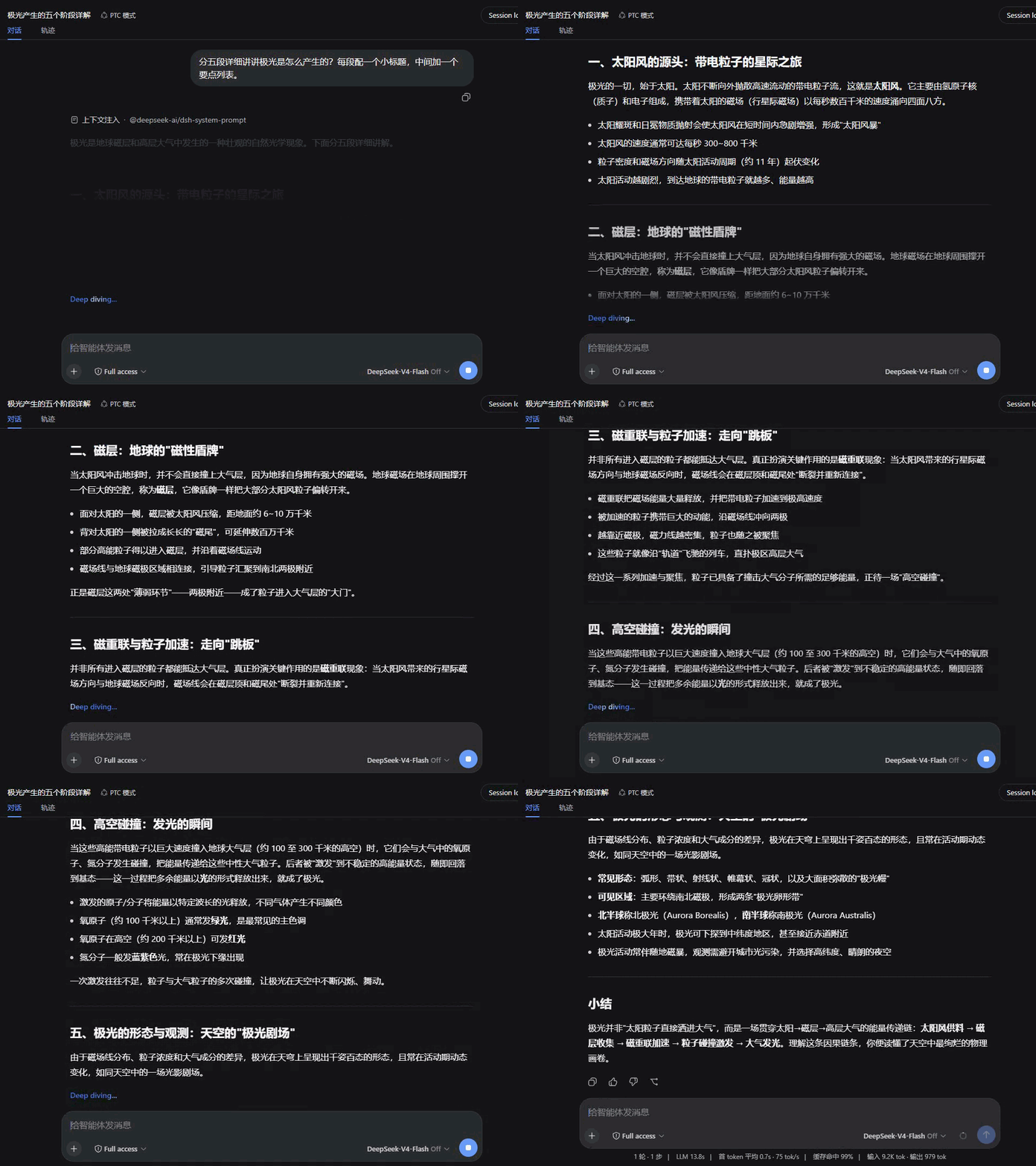 | ## 兼容性 - 在 dsh `0.1.0-rc.6` 上验证。 - 本插件接管对话视图的 assistant 消息渲染(`conversation.chat.node` 的 `assistant-step` 槽位),与其他同样接管该渲染的插件互斥——同装时只有一个生效。 - 遵循 `prefers-reduced-motion`:系统开启减少动态效果时,所有动画与平滑滚动自动关闭。 - 渲染出错时自动降级为纯文本显示,不影响会话其余部分。 ## License [MIT](LICENSE)
Install
dsh plugin --profile web add github:SpookySandwich/dsh-plugin-smooth-stream#93b1e816c0336310b7c362bfc67d7b53da7a6861
Profile: web
With the hub plugin installed, ask your agent to install it by name — it resolves the same plan shown here.
dsh plugin --profile web add github:stvlynn/dsh.fish#path:packages/dsh-plugin-hub
install dsh-plugin-smooth-stream from the hub